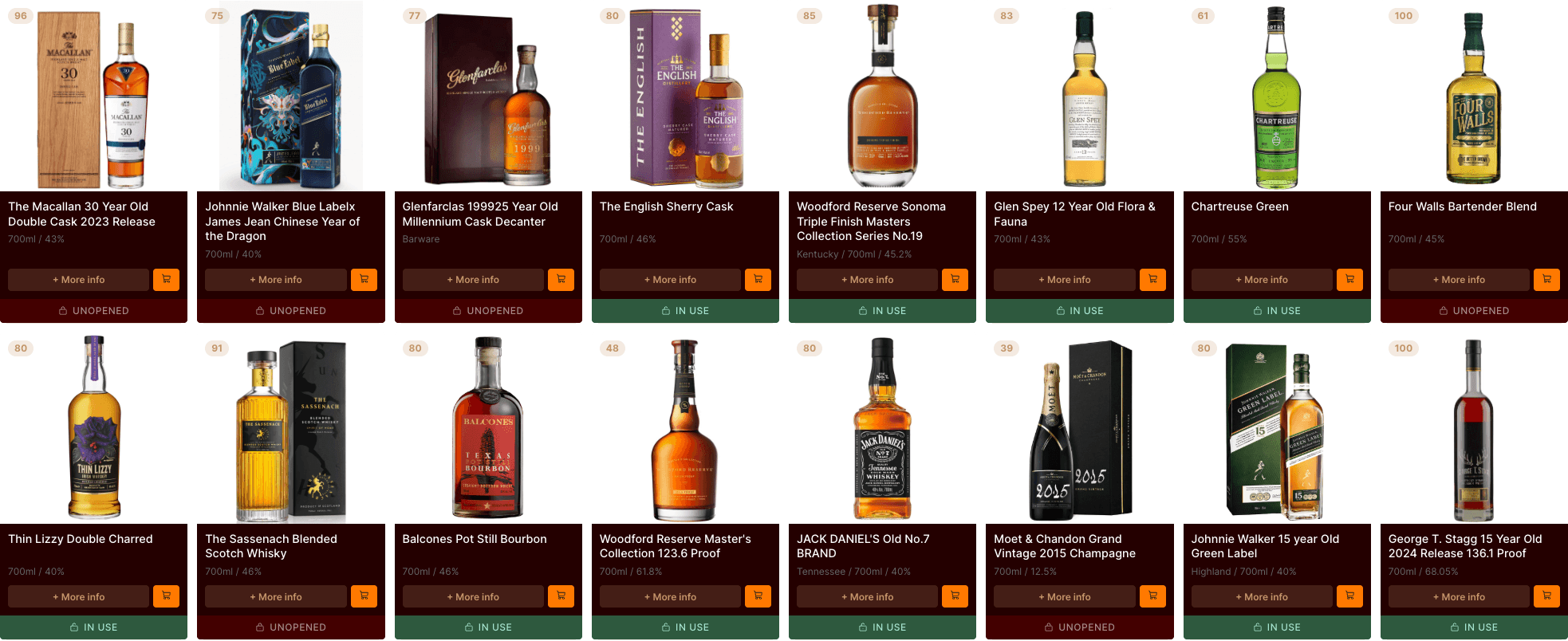
Tasting notes
Capture your whisky tasting notes
Write it your way
Whisky Cabinet gives you two modes. Free text for quick impressions and personal memories. Structured mode with guided Nose, Palate, Finish, and Overall fields that help you develop your palate over time.

Flavour tagging
A grid of flavour descriptors you can tap to select. Vanilla, peat, citrus, honey. They feed your taste profile automatically.

Private or public
Notes are private by default. Publish as community reviews with a single toggle. You control what gets shared.









Everything you need to capture what you taste

Free text mode
A blank page. Write whatever you want, however you want. No structure imposed. Good for quick impressions.

Structured mode
Guided Nose, Palate, Finish, and Overall fields. Trains you to pay attention to different stages of a dram.

10 flavour categories
Covering the full spectrum from fruity and floral to smoky and sherried. Up to fifteen tags per note.
Feeds your taste profile
Every flavour tag you select makes Whisky Cabinet smarter about what you enjoy. Notes and discovery, connected.

Your data, your export
Tasting notes are included in CSV exports. If you leave Whisky Cabinet, your notes leave with you.

How to get started
Start simple. What does it remind you of? Bonfire night. Marmalade on toast. Your notes are for you first.
Questions
Frequently asked questions
Is Cabinet really free?
Yes — completely. No subscription, no premium tier, no feature gating. We earn a small affiliate commission when you click through to a retailer, which lets us keep the app free for everyone. We always show you the cheapest price, even when it's not a retailer we earn from.
How does the price comparison work?
Do you sell whisky?
How do I add bottles to my collection?
What are NFC shelf tags?
Is there a mobile app?