Barcode scanner
Scan your shelf in minutes
Bulk scan mode
Open bulk scan mode and the camera stays active between scans. Scan a bottle, tap Add, and you're immediately scanning the next one. No closing and reopening the camera. Just scan, add, scan, add.

Under 1 second
Scan to confirm takes less than a second. Whisky Cabinet matches the barcode and shows you the bottle name and image for confirmation.
When there's no match
Save the barcode for later or skip it and keep scanning. The flow doesn't break. Saved barcodes match automatically when the bottle is added to the database.









Designed to get your collection digital, fast

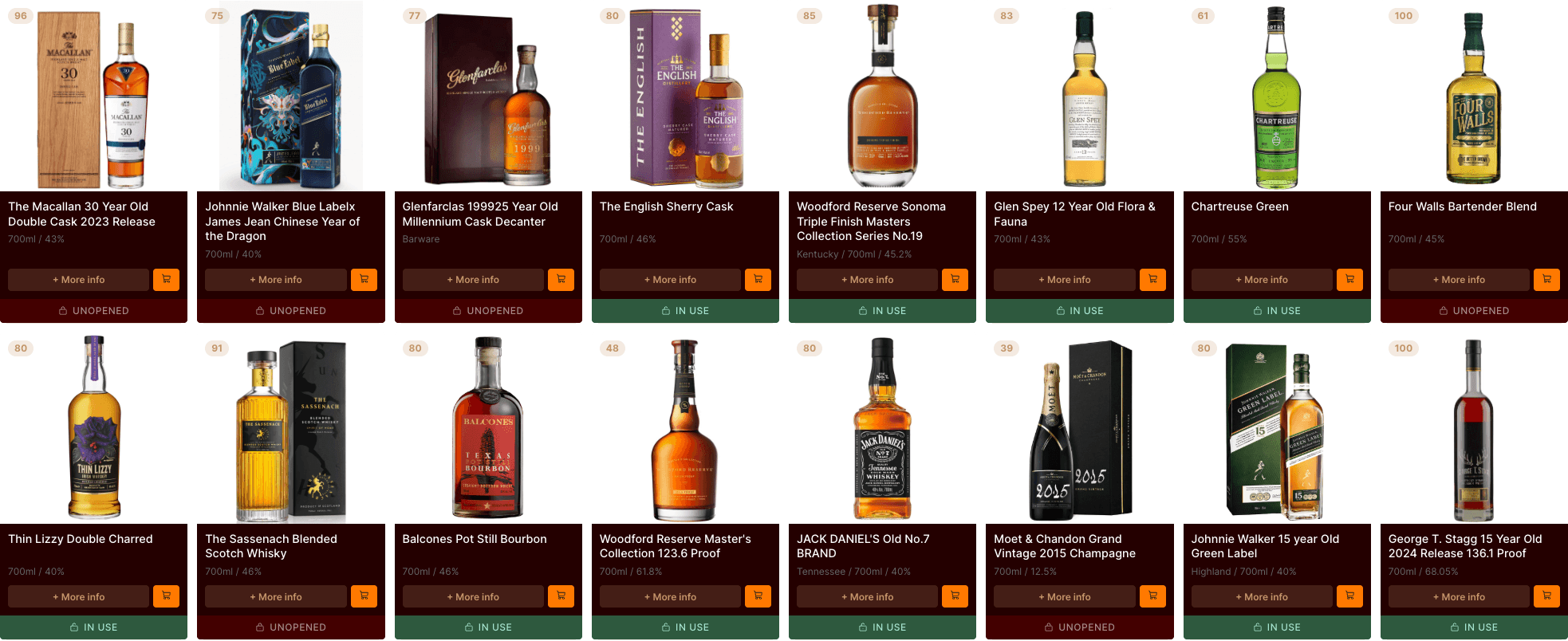
30 bottles in minutes
For a shelf of 30 bottles, you're looking at a few minutes. Not the hour it would take to enter each one by hand.

Minimal entry required
Details are pulled from our database automatically. Fill in purchase prices and ratings later, or don't. The minimum is a name and type.
Summary screen
When you're done, see everything you added. Tap any bottle to go to its detail page and fill in more information.

Not just for onboarding
Picked up a new bottle? Scan it at the counter and it's in your collection before you get home.

Works with your camera
Uses your phone's built-in camera. No special hardware. Works with standard UPC and EAN barcodes on most whisky bottles.
Completely free
No subscription needed. No ads during scanning. Every scan feature is available to every user.
Questions
Frequently asked questions
Is Cabinet really free?
Yes — completely. No subscription, no premium tier, no feature gating. We earn a small affiliate commission when you click through to a retailer, which lets us keep the app free for everyone. We always show you the cheapest price, even when it's not a retailer we earn from.
How does the price comparison work?
Do you sell whisky?
How do I add bottles to my collection?
What are NFC shelf tags?
Is there a mobile app?